
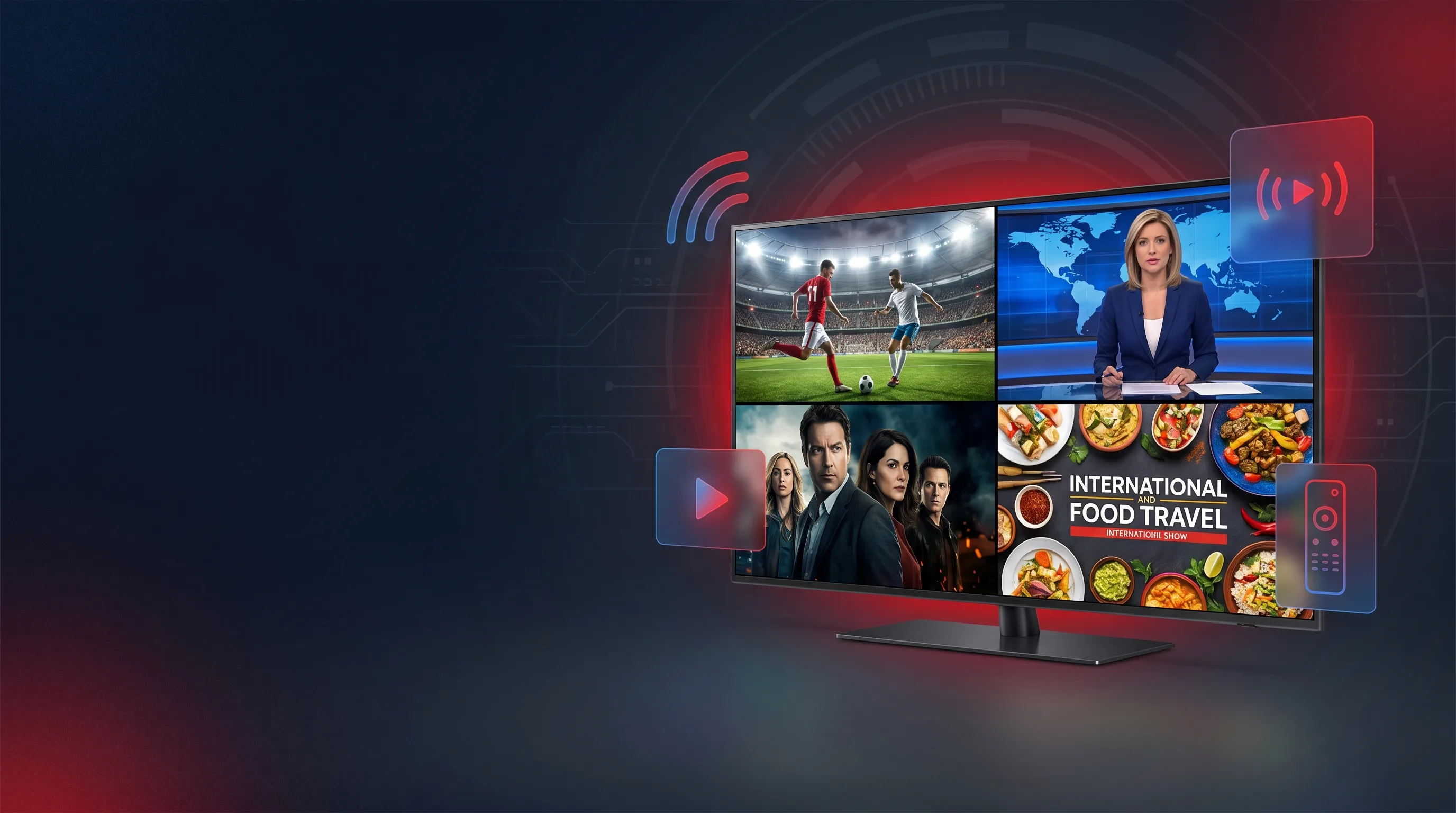
Find the Best IPTV
Solution for Your Case
We cut through the confusion. Our experts guide you to the right IPTV service, app, device, and setup — based on your needs, budget, and location.
Your Trusted IPTV Resource
Navigating the IPTV world is overwhelming. We've done the research so you don't have to.
Personalized Guidance
No one-size-fits-all answers. We help you find the solution that fits your specific situation — device, budget, content needs, and location.
Always Legal & Safe
Every service and app we recommend is fully licensed and legal. We explain the legal landscape clearly so you never put yourself at risk.
Deep Expert Research
Our team tests and reviews every recommendation hands-on. We stay current as the streaming landscape changes month by month.
Plain English Explanations
Whether you're a total beginner or a cord-cutting veteran, our guides are written to be clear, actionable, and jargon-free.
Everything You Need to Know About IPTV
Seven expert guide areas covering every aspect of IPTV — from finding alternatives to cable, to staying legal, to getting set up in minutes.
IPTV Alternatives to Cable
Ready to cut the cord? We compare every cable alternative — streaming services, satellite, OTA antennas, and more — so you keep your channels and slash your bill.
Explore AlternativesWhat You Can Watch
Live sports, international TV, VOD movies, PPV events and more. Discover every type of content available through IPTV and where to find it.
Browse Content TypesIPTV Services
In-depth reviews of the top IPTV subscription services. Compare pricing, channel counts, reliability, and compatibility to find your perfect provider.
Compare ServicesIPTV Player Apps
IPTV Smarters Pro, TiviMate, Smart IPTV, Perfect Player — we review, compare, and rank every major IPTV player app for Android, iOS, Firestick, and smart TVs.
Find Your PlayerIPTV Devices
Firestick, Roku, Android TV boxes, smart TVs, Apple TV — find out which device delivers the best IPTV experience and which to avoid.
Choose Your DeviceIPTV Setup & Configuration
Step-by-step setup guides for every device and player. From installing your first app to configuring EPG, M3U playlists, and Xtream Codes.
Start Setting UpIs IPTV Legal?
The most important question answered clearly. Understand US law, the difference between legal and illegal IPTV, and how to stay safe and compliant.
Read the Legal GuideHow We Help You Find the Right Solution
Tell Us Your Situation
Budget, devices, content preferences, location — every factor matters when choosing the right IPTV setup.
Browse Our Expert Guides
Our 7 pillar guides cover every angle. Read detailed comparisons backed by hands-on testing.
Choose With Confidence
Walk away knowing exactly what to get, how to set it up, and that it's 100% legal and safe.
Frequently Asked Questions About IPTV
The most-searched IPTV questions, answered by our experts.
IPTV (Internet Protocol Television) is a system that delivers TV content over the internet rather than traditional cable or satellite. It lets you watch live TV, on-demand movies, sports, and international channels on any internet-connected device — smart TV, phone, Firestick, computer, and more. IPTV is the backbone of services like YouTube TV, Hulu Live, and thousands of other streaming platforms.
IPTV as a technology is completely legal. Services like YouTube TV, Hulu Live, Sling TV, and FuboTV are all IPTV and are 100% legal. The legal issue arises with unauthorized IPTV services that stream copyrighted content without a license. Always choose licensed, legal providers — our IPTV Legal Guide explains the full picture.
IPTV delivers TV signals as data packets over your internet connection, just like a website loads in your browser. A provider encodes broadcast content and sends it to your device in real time (live TV) or stores it for later (VOD). Your IPTV player app receives and decodes those packets, displaying the video on screen. A stable internet connection of at least 25 Mbps is recommended for HD streaming.
IPTV stands for Internet Protocol Television. "Internet Protocol" refers to the same IP standard that powers the internet — websites, email, streaming. "Television" refers to the broadcast TV content it delivers. Together, IPTV simply means watching TV through your internet connection instead of a cable or satellite dish.
IPTV costs vary widely. Free legal options include Pluto TV, Tubi, and Peacock (with ads). Paid legal services range from $7–$18/month for on-demand (Netflix, Disney+) to $40–$73/month for full live TV packages (YouTube TV, Hulu Live, FuboTV). The right plan depends on your channel needs — our IPTV Services guide helps you compare every option.
The best IPTV player depends on your device: TiviMate and IPTV Smarters Pro are top picks for Android and Firestick. Smart IPTV works well on Samsung/LG smart TVs. VLC is a solid free option for desktop. Infuse leads on Apple TV and iOS. See our full IPTV Player Apps guide for detailed comparisons.
Getting started with IPTV takes three steps: (1) Choose a licensed IPTV service that fits your needs and budget. (2) Install a compatible IPTV player app on your device — Firestick, smart TV, phone, etc. (3) Enter your service credentials (M3U URL or Xtream login) in the app and start watching. Our IPTV Setup guide covers every device with step-by-step screenshots.
Licensed IPTV services are completely safe. For third-party apps, always download from official stores (Google Play, Amazon App Store, Apple App Store) — never sideload APKs from unknown sources. Using a reputable VPN adds an extra layer of privacy. Our guides only recommend vetted, safe options so you never have to worry about malware or data risks.